
Here's a look at a project I developed as my research capstone for my Master of Arts in Art and Design degree at Kennesaw State University. The goal was to develop an interactive web guide that allowed users to engage with illustrations that demonstrated and explained the principles of animation. I centered the project around the features and capabilities of Rive for animation. It's a program that I was aware of but wasn't fully familiar with before starting this graduate program last year. I was excited to explore its ability to create interactive animation and motion design.
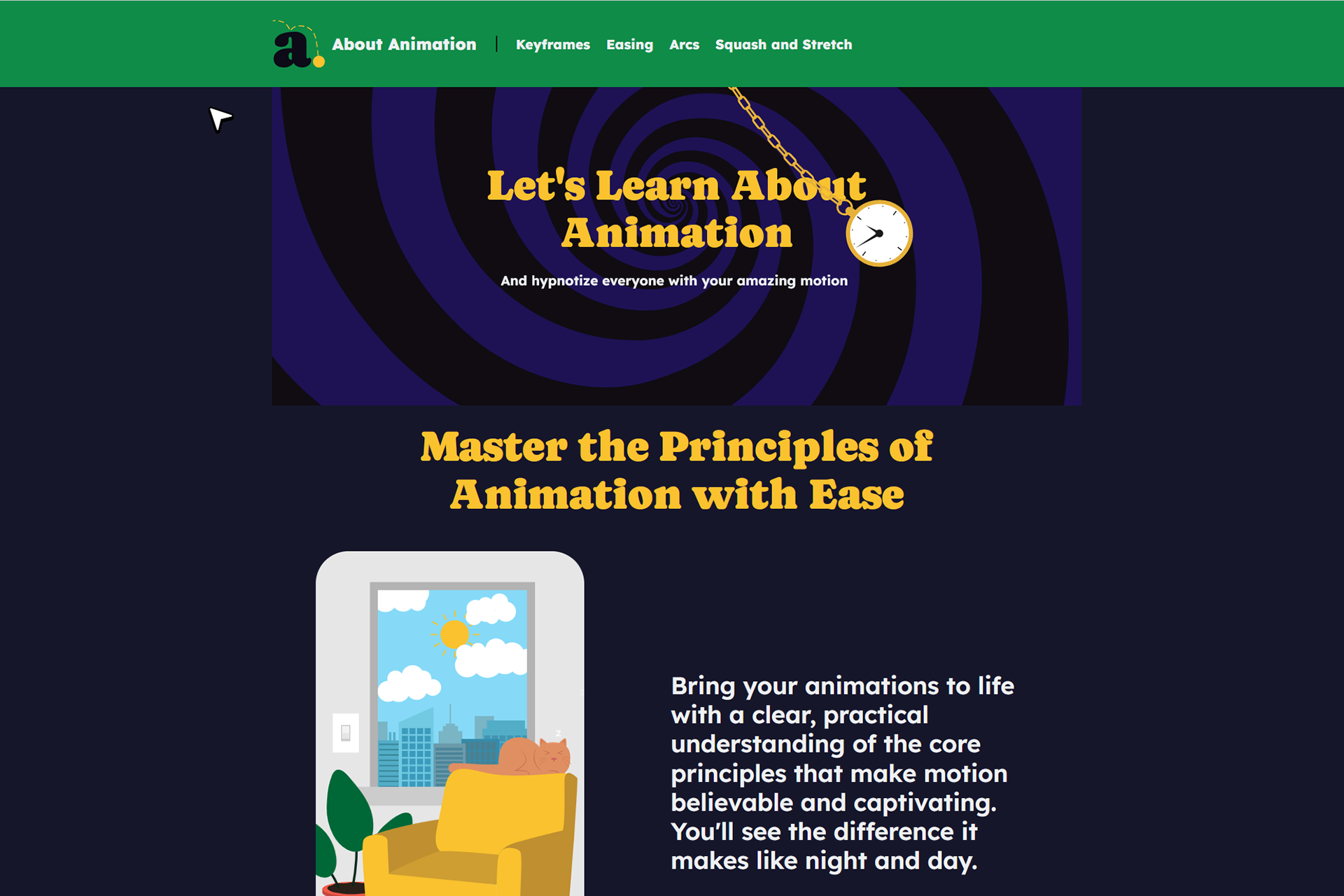
Rive creates animation that doesn't run on a linear timeline from start to finish, instead playing when triggered by user actions and input. This opens up distinctly different possibilities of design and animation rather than when using a traditional linear timeline. Animations can run indefinitely and only play when activated by the user. This feature allows for more open-ended designs to flourish, where you can have creative characters hanging out in idle states waiting for the user to click on a button to take action or maybe a creature that follows your cursor as you move it around the screen; it’s a new level of animation for me. Here's the first example I did that was sort of a proof-of-concept for the project:
With this as a concept for interactive animation, I started to brainstorm ideas on what I could do that would be different in this sense, a project that I had to do with the interactive capabilities that Rive offers to make it work. Ideas like a children's book or some sort of choose your own adventure story that the reader would progress through from page to page in an open-ended fashion were considered during this process. I knew I specifically wanted to create a piece that would be fully capable of showing distinct principles of animation in practice, and feel light and fun in the subject matter.
As I kicked around a few different ideas, eventually I ended up just encircling the concept of the principles of animation themselves, and present the interaction in a more informational or educational rather than a narrative manner. The project would be different chapters based on each of the many different principles. I thought this was a good idea based on three main factors:
-It had a wide appeal based on anybody who was interested in learning about animation.
-It tapped into the interactive capabilities of Rive.
-It tied together my experience doing motion design and animation with my experience teaching the subject as an adjunct professor.
My final concept became making an interactive web based guide, where the user is able to visually see and experience topics rather than just reading about it or watching a video. It would combine the two with the user receiving the ability to control parts of the animation.
The main challenge of the project was coming up with enough interesting and applicable animation subjects on the chosen animation topics. I tasked myself to come up with visual and illustrative ways to communicate the animation principle. The 4 principles I selected for this project were arcs, squash and stretch, easing, and keyframes. Initially, I made a list of ideas I had and paired it down into what I felt were the most effective ways to explain the definition of the animation principle and support the topic. Some ideas came to me right away, and some were elusive and took days, weeks, or even months to come up with something that felt on target for the page.
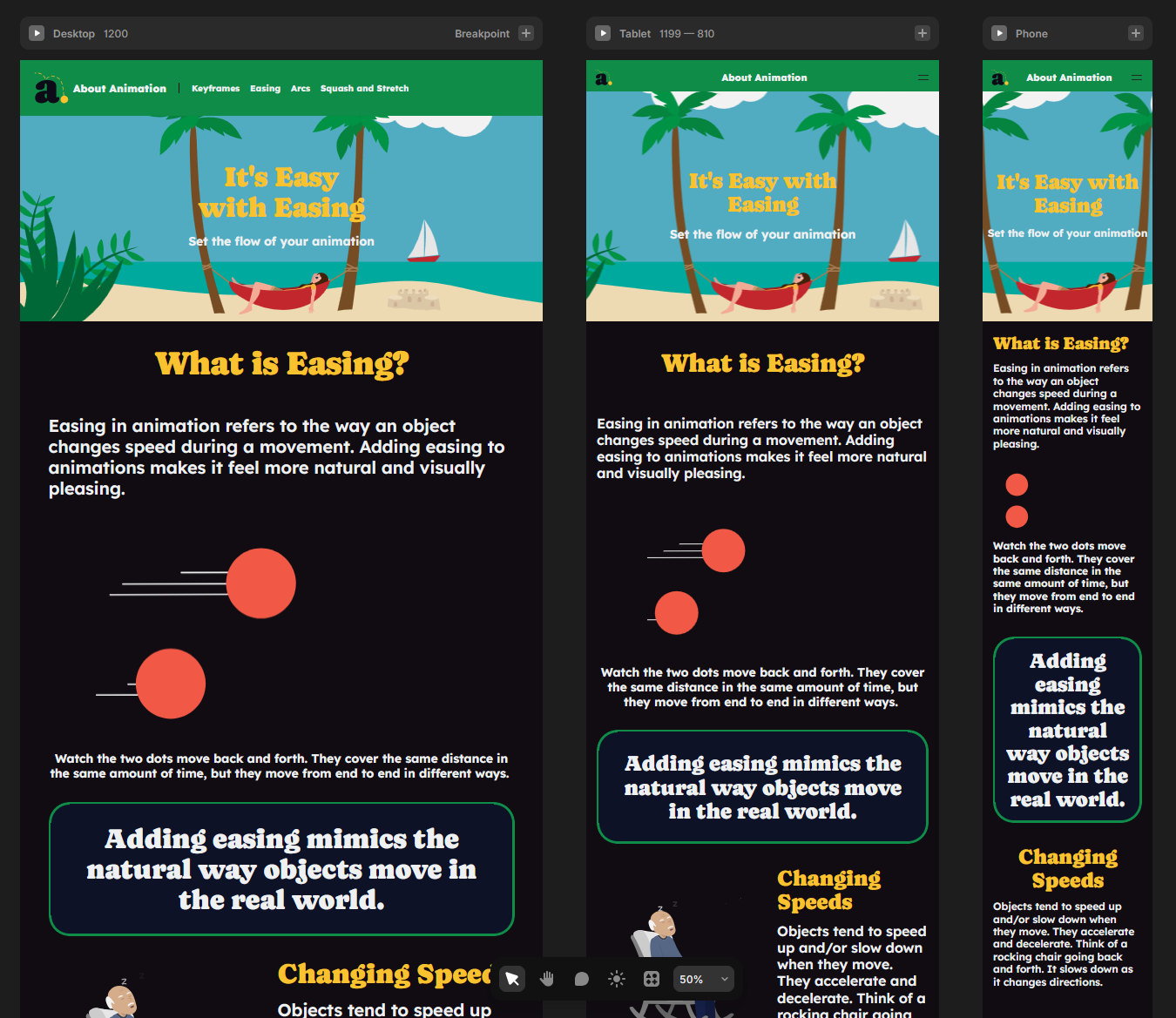
Designing in Framer was easy relative to how I used to do web design by editing CSS and HTML, but it was still tricky to get just right with so many different elements on each page. It took awhile to get things to look good as responsive design, which I learned about as an absolute must since so much web browsing is done on tablets and phones outside of a traditional web browser on a computer. The site overall has different layouts and styles to correspond to the size page you are viewing on your particular device, so the experience feels better for all users regardless of their viewing modality.
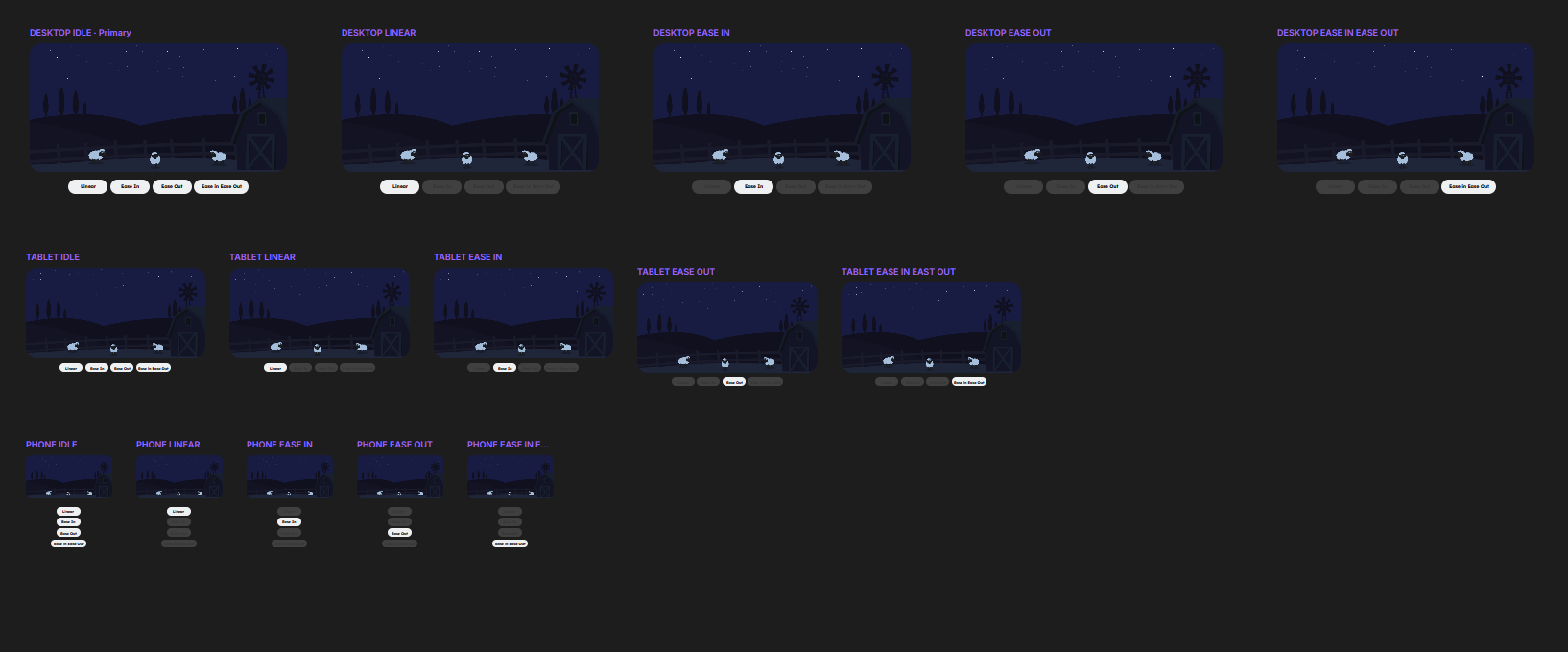
Overall there are 42 different pieces of animation on the website. Some are pretty simple and straightforward but others are very complex and required a lot of planning. The most complex ones were the sheep abduction on the easing page and the floating balloons on the arcs page. Both required elements to be built in Rive and also set up to function correctly on the web page with Framer. I found as I went on that the best method was to limit the amount of UI and try to have the animations stand on their own without buttons and toggles if possible. It made for cleaner design as well as easier functionality to program. The sheep abduction took a lot of different steps but ended up being my favorite animation of the project.
I ended up with a unique result for my capstone project. My goal was to bridge between text-based explanations of animation principles with their visual examples, so you could have a centralized place to watch, interact, and read about animations at the same time. By my own measurements, I consider the project a success. I learned so much about Rive through the practical application of this project. So if nothing else I have the knowledge and capability to do other projects in a similar way in the future. But I received positive feedback throughout the review process from professors and peers, so I felt like I was headed in the right direction the entire time and the final result reflects the effort and planning I put into it. It’s a project that was out of my comfort zone and reflects many hours of hard work in a well designed and highly functional interactive final product.